

Assisted Migration
Leaving your finance app? I’ll move your history over with you.
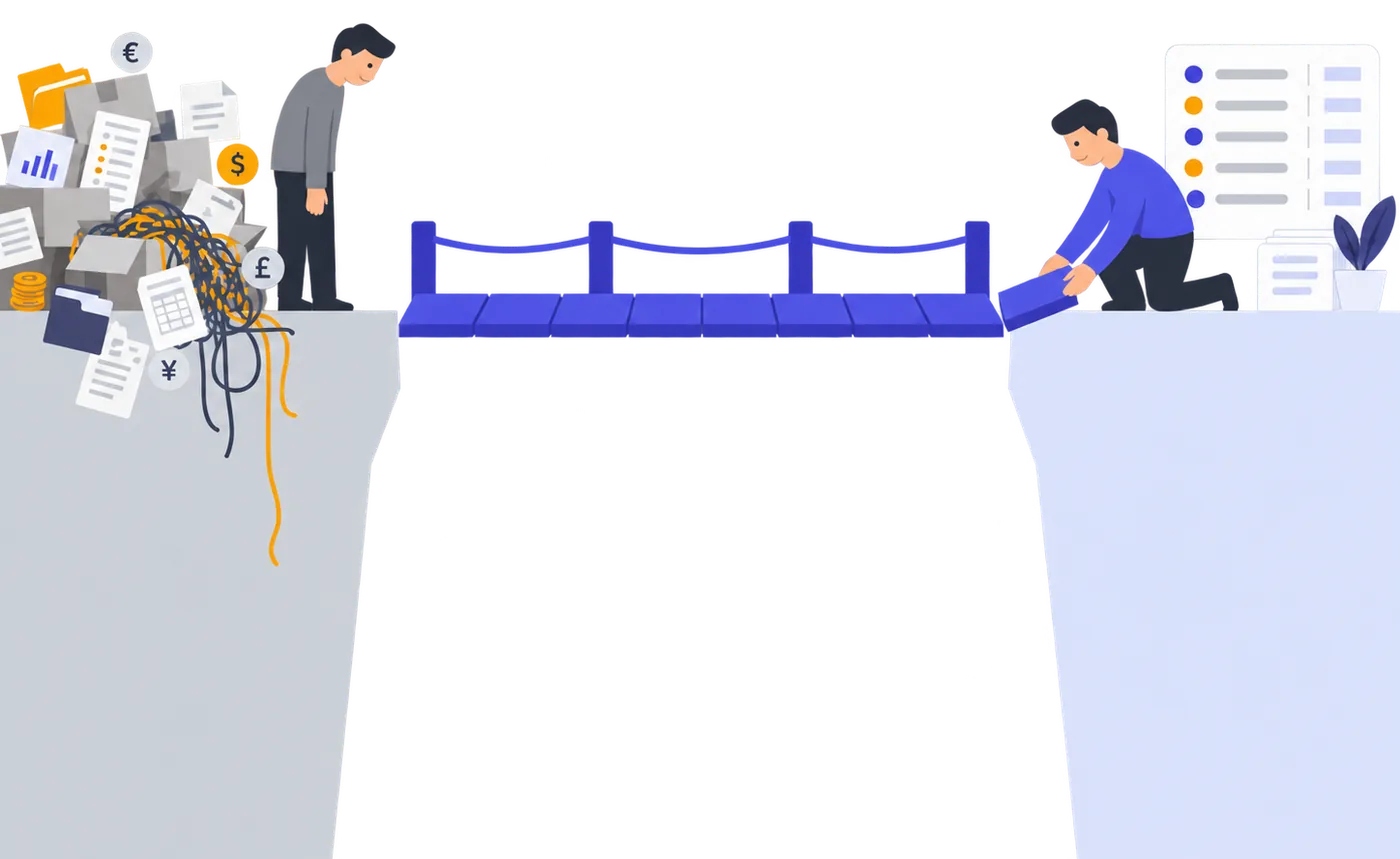
Ten years in one app, then a lap through three more, and every move started the same way: a folder of exports, an evening of column mapping, and a net worth that was wrong until I found the row that broke it. This year I did it the way it should be done: fifteen years of my own records came out of Banktivity in one move, 35,000-plus transactions across 150-plus accounts and categories, every mapping checked before a row was written. So here is the offer: choose the annual plan and I do the move with you inside your trial, before your first payment. Cancel before you are charged and you pay nothing: $0 for the plan, $0 for my time.
We agree by email what comes over. You start the trial and accept the terms; then the work starts: from a copy of your data I lay the whole move out, every account and every category mapping, and you confirm it before a single row is written. Then it lands, inside your trial, beside the banks that sync, connected before it or after it as the move needs.
One email, to support@quaestorledger.com. No files, no passwords, no bank logins. I reply myself.
Prefer to start on your own? Sign up right here.
7 days free, then $12.99 a month or $89.99 a year. Card required, cancel anytime before your first payment.
Free trial for first-time customers; if your organization has subscribed before, the paid plan starts at checkout. Renews automatically until you cancel in Settings. Taxes may apply.
How it works
Four steps, and the first one is an email. I may ask to see what you have, to judge the move; the work starts once you have started the trial and accepted the terms, the move is done inside the trial, and nothing is added to your ledger until you have seen the whole move and said yes.
Ask.
Send the fit request: what you want out of it, the app you are leaving, how you can get at your data, how clean it is, which kinds of accounts, roughly how far back. No files in the first email, no passwords. I reply myself with what fits, what doesn’t, and what the move would look like; if I need to see your data to judge it, you agree to the terms by reply and we agree a private way to hand a copy over, or an access key you create for it, and only then does a file or a key travel.
You start the trial; I start the work.
Once we agree what comes over, you sign in and start the trial, accepting the terms at checkout if you have not already by reply. Then I read your data, from a copy you handed over privately or through an access key you created in your old app for the move, never with your password: which accounts, how far back, where connected-bank history and file history overlap and which date wins, which currency each account keeps. What comes over, in what order and how is my call. If something needs walking through, we get on a call; otherwise we do it by email.
You see the whole move before it lands.
Every account that will come over, every one of your categories and what it maps to, and the balances and totals the result will show, account by account. Leave an account out, change a mapping, ask for a second look. Nothing is written to your ledger until you have said yes.
It lands, beside the banks that sync.
The history arrives in your account, inside your trial, transfers kept as transfers where your old app had them. The banks that can sync you connect on your own screen, before the move or after it, whichever the move needs; where their feed and your old records overlap, we agree where one ends and the other begins, so nothing is counted twice. Your bank password never reaches me or Quaestor. Anything the move left open is written down with the agreed next step, not promised away.
What comes over, and what doesn’t.
I will say what stays behind too, because a migration page that doesn’t is lying by omission. Investment trades and lots do not come over. Neither do budgets, rules, reports, scheduled bills or receipt images. Split transactions depend on what your file holds, and I will tell you after I have seen it. And two things decide whether a move is possible at all, neither of them size: how clean your records are, and whether I can get at them. Encrypted data you cannot open or export yourself, records behind another service’s login with no way to export or to grant access, an app with no way out: those stay where they are. Everything else, ask.
- Your accounts and their history, bank, card, cash and loan, from whatever your old app can give me: an export, a backup, the app’s own file or access to its API where its rules allow it. If I can read it, it can come over, however much of it there is.
- Your own categories, matched to Quaestor’s. Where one of yours has no equivalent, we decide together; nothing is invented and nothing is guessed in bulk.
- Transfers between the accounts that come over, kept as transfers where your old app had them. And the balances and totals the result will show, checked with you before anything is written.
What the pilot covers
- Who
- New customers choosing the annual plan, who ask before starting the trial. One assisted migration per customer; a trial started before I have accepted your request does not include it.
- What decides it
- How clean your records are, and whether I can get at them. Not how many accounts, and not how many years.
- In scope
- Any records I can read: an export, a backup, the app’s own file, or access you grant me to its API where its rules allow it. Ask, and I will tell you before you commit.
- Out of scope
- Data I cannot reach: encrypted, unless you can open or export it yourself first, behind another service’s login with no export and no access you can grant, or in an app with no way out.
- Who decides
- I do: what comes over, in what order and how. You confirm the whole move before it is written, and I can say no at any point in the trial; then I cancel the trial before your first payment, or you cancel it yourself, and you pay nothing: $0 for the plan, $0 for my time. If your trial ends without a payment, I delete the account a week later, after two notices. If you write to tell me you want to keep the account instead, you pay for the plan, never for the move.
- A call
- If we need one, after I have checked your request; otherwise by email.
- How many
- Four moves at a time, so ask before you plan around it.
- Price
- Included with the annual plan. Nothing sold separately.
- Your cost
- Nothing paid to me before your first payment: the move is done inside the trial, and if you cancel before you are charged you pay nothing, not for the plan and not for my time. Whatever your old app charges to get your records out, if anything, is yours.
Where people come from
What I know about each, and what I have done myself. The name is the doorway; the ledger behind it is the same.
- Banktivity
- My own move: fifteen years of records, 35,000-plus transactions across 150-plus accounts and categories, every mapping checked before a row was written.
- Quicken
- CSV on a Mac, QIF on Windows; from Simplifi, CSV out of the web app. Bank, card, cash and loan history comes across; investment transactions stay behind for now.
- Monarch Money
- One CSV for every account. I split it by account, so you don’t.
- YNAB
- A CSV export that covers every account. Same split, same review.
- Copilot Money
- Export your transactions to CSV. Same review.
- A spreadsheet, or an old Mint CSV you kept
- If it has a date, an amount and a description per row, it can come in.
What I will never ask for
Never a password, a bank login or a recovery key. Bank connections happen in Plaid’s hosted flow on your own screen, and the card you pay with lives at Stripe. Never a file in the first email: if I need to see your data to judge the move, you agree to the terms by reply and we agree a private way to hand a copy over first, and I work from that copy. If your old app can open an access key for the move and its rules let you share it, you create it in your own account and hand it over the same private way; I use it to read, I change nothing in your old app, and you revoke it when the move is done, if it stops, if I say no, or if you tell me you will not go ahead or my yes runs out. I tell you when. Nothing is added to your ledger until you have seen the whole move, and the move deletes nothing from it. When the move is done, if it stops, if I say no after seeing your data, or if you tell me you will not go ahead or my yes runs out, I delete my copy and any access key you gave me within thirty days, unless you ask me to keep the copy longer; the key is deleted within those thirty days either way. If we agree a later date before those thirty days are up, that lapse no longer counts, and you send again anything I had already deleted, with a new key if you revoked the old one.
What it costs
Assisted Migration comes with the annual plan. The monthly plan is the same ledger without the move; if you start on the monthly plan, the move is not included.
7 days free, then $12.99 a month or $89.99 a year. Less than one overdraft fee, or about 25 cents a day. Card required, cancel anytime before your first payment.
Included with the annual plan
The move, and a call if we need one, are included with the annual plan and are not sold separately. Ask first; we agree what comes over; you start the trial and accept the terms; then the work begins, inside the trial. Cancel before your first payment and you pay nothing: $0 for the plan, $0 for my time. If you are already a customer and want the same help, ask anyway and I will tell you what I can do.
Frequently asked questions
- Do I have to start the trial before asking?
- No. Ask first: the move comes only with a request I have accepted before your trial starts, and a trial started without one does not include it. We work out by email what the move would look like; then you start the trial, choose the annual plan and accept the terms, and the work begins. My yes holds for two weeks; we can agree a later date in writing, even once they have run out, until your trial ends or you are first charged. Start the trial by then, or ask again. The whole move is done inside the trial, so cancel before your first payment and you pay nothing: $0 for the plan, $0 for my time.
- Who decides what comes over?
- I do. I read what you have and decide what can come over, in what order and how; you see the whole move and confirm it before anything is written, but the call on what is feasible is mine. And if a move is not working out, for any reason, I will say so and stop it; I cancel the trial before your first payment, or you cancel it yourself, and you pay nothing: $0 for the plan, $0 for my time. If your trial ends without a payment, I delete the account a week later, after two notices. If you write to tell me you want to keep the account instead, the plan runs on and you pay for the plan, never for the move. A trial can be used once, so I say it early rather than late.
- Can you take my file directly?
- If I can read it, yes. Tell me what you have, an export, a backup, the app’s file or an access key its API lets you create and its rules let you share, and I will tell you whether I can read it before you commit to anything. What I cannot do is reach data that is locked away: encrypted, unless you can open or export it yourself first, held behind another service’s login with no export and no access you can grant, or in an app that offers no way out.
- Does the size of my ledger matter?
- Not much. Two things decide a move: how clean your records are, and whether I can get at them. Fifteen years, 35,000-plus transactions and 150-plus accounts and categories came over in my own move. What takes time is untangling, not volume, and I will tell you what yours needs after I have seen it. If a move needs more time than the trial gives, I can extend the trial; if it will not finish, I end it and cancel the trial before you are charged, unless you write to tell me you want to keep the account. Either way you are not charged for a move you have not seen.
- Will my balances match?
- You see the balances and totals the result will have, account by account, before anything is written. Where connected-bank history and imported history overlap, we agree a cutoff date first, so a transaction is not counted twice. A difference we cannot explain is written down with a next step, not hidden. That is the review, and you decide on it before anything is written; it is a check, not a promise that every figure matches your old app.
- What about transfers between my own accounts?
- They come over as transfers wherever your old app recorded them as transfers, and you check them in the review before anything is written: one transfer, not two unrelated rows, out of your spending from the first day like every other transfer in the ledger.
- Do we need a call?
- Only if something needs walking through, and only once I have your request and have checked what you have. Otherwise we do it by email, with the whole plan in front of you. If you would rather talk it through, say so and we will.
- What if my bank can’t sync?
- Live sync covers banks in the United States and Canada through Plaid, read-only. Everything else comes in by file, which is most of what this service is for: one of my own banks overseas comes in that way, and so do the years before any of this existed. For the move itself, your old app’s API is another way in, where its rules let you share a key.
Keep exploring
- Personal finance software
- Security & trust
- AI chat assistant
- Multi-currency net worth
- Automatic transfer detection
- Category suggestions
- Cash Outlook & runway
- Briefings & Notifications
- Receipt-to-transaction matching
- Automatic bank sync
- Quaestor vs Monarch Money
- Quaestor vs YNAB
- Quaestor vs Copilot Money
- Quaestor vs Banktivity
- Quaestor vs Quicken
Bring the history. Keep the evening.
One email to start. We agree what comes over, you start the trial, and the move happens inside it. Cancel before you are charged and you pay nothing: $0 for the plan, $0 for my time.
Or write to support@quaestorledger.com in your own words.
7 days free, then $12.99 a month or $89.99 a year. Card required, cancel anytime before your first payment.
Free trial for first-time customers; if your organization has subscribed before, the paid plan starts at checkout. Renews automatically until you cancel in Settings. Taxes may apply.